Unicorn Coloring Page Prompts: Simple, Kawaii and Detailed
Choose a unicorn coloring prompt for simple shapes, playful kids scenes or detailed adult pages. Compare existing examples and adjust one setting at a time.
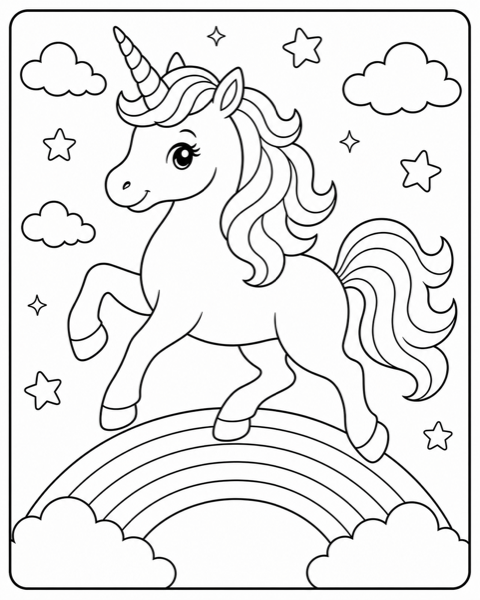
A unicorn with a cloud, a garden and a mandala can lead to three very different coloring tasks. Choose the task first: large shapes for a beginner, a small scene for storytelling, or intricate decoration for someone who enjoys detail. The examples here were made by the InkPage team for the site, not taken from customer generations.
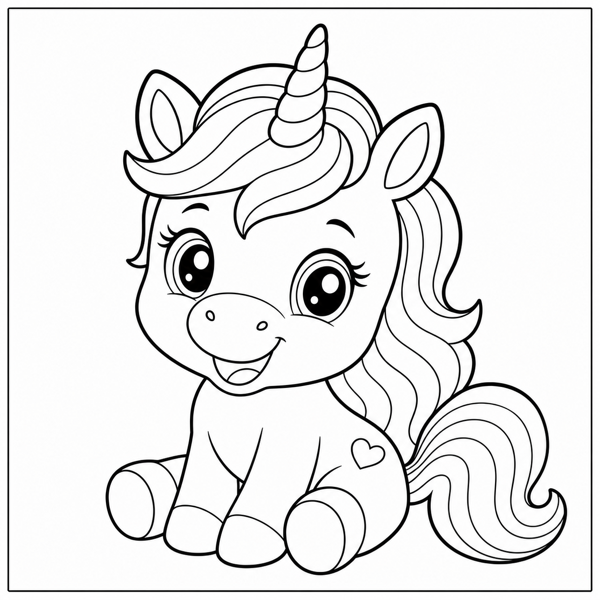
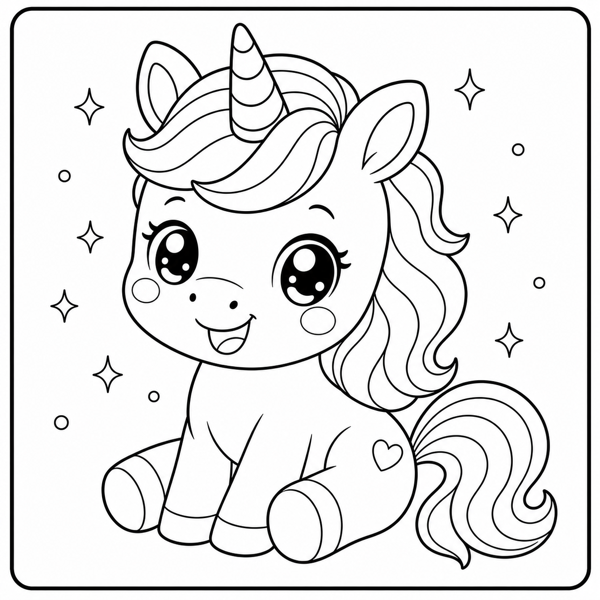
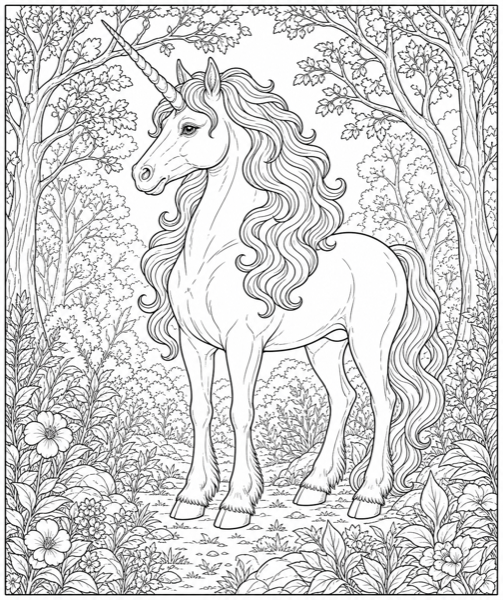
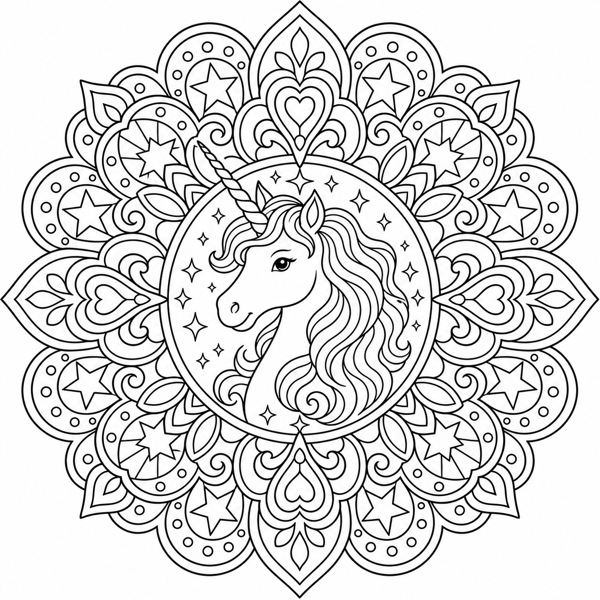
A simple unicorn for beginners
Try: "One baby unicorn standing on a blank background, with a short flowing mane and a few large enclosed shapes. No flowers, tiny stars or decorative texture." Start with Toddlers, Bold lines and Single composition. Look closely at the mane and hooves: these can still become small regions, even with simple settings.
A playful scene for kids
Try: "A friendly unicorn beside three large flowers and a small rainbow. Clear separation between the unicorn and background, with open areas to color." Start with Kids, Cartoon and Medium lines. Use Scene if the setting matters, or Single if you want the unicorn to remain dominant. Remove background objects if the first draft is too busy.
Kawaii without excessive tiny decorations
Try: "A kawaii baby unicorn sitting on a large cloud, with three big stars and a simple mane. No tiny sparkles." Start with Kawaii, Kids and Bold lines. Cute style does not automatically mean easy coloring; check the eyes, mane and decorative elements at print size.
A detailed page or mandala for adults
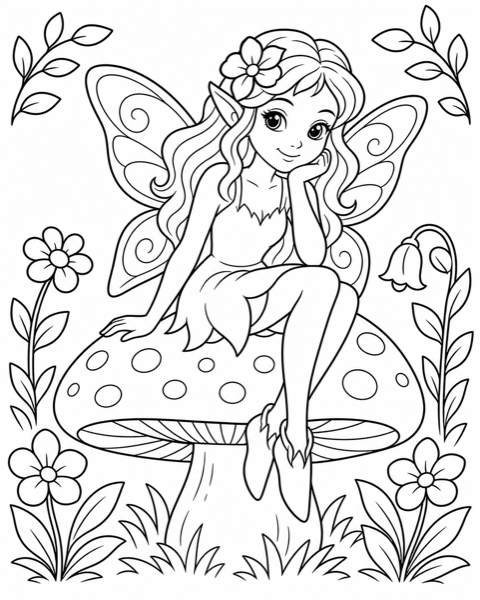
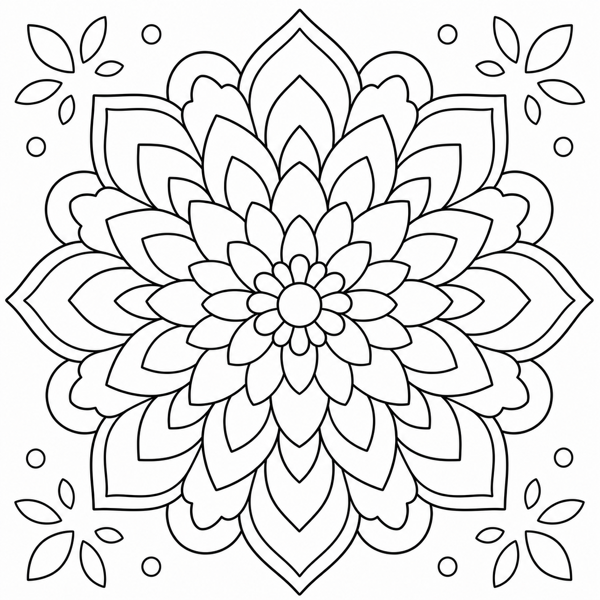
For a botanical page, request a unicorn with a flowing mane and a floral border, then choose Adults and Bordered composition. For a mandala, request a central unicorn with repeating flowers and stars and select Mandala. Fine lines can look attractive on screen but disappear on a home printer. Medium lines are a useful alternative if the print loses detail. Symmetry and closed outlines are goals, not guaranteed outputs.
Build a small set before making a whole book
Generate one page, check it, and change only one variable for the next draft. Keep style, audience and line weight stable if you want a related set. InkPage does not currently lock a character identity across generations, offer guaranteed batch consistency, or assemble a multi-page PDF. Use a layout editor for final ordering and printing.
Try one unicorn idea first. The Unicorn theme page includes suggested settings you can load into the generator without starting a paid API request.
Open the Free Generator →